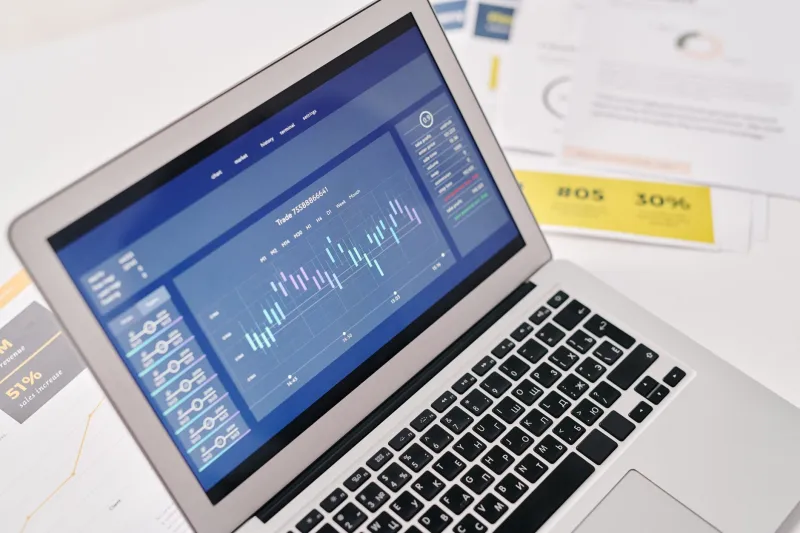
Dead Screenshots Walking: How to Rescue Your Team's Visual Documentation Before It Becomes Unreadable History
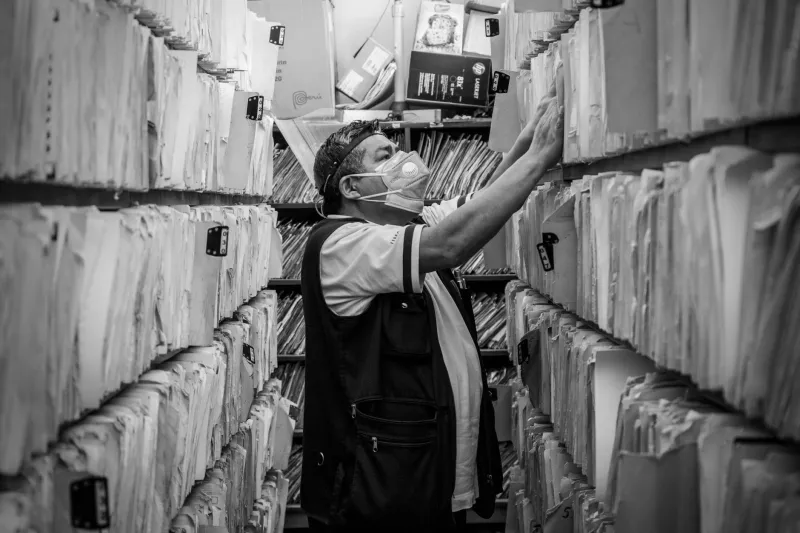
The Screenshot That Launched a Three-Day Investigation
It started with a production anomaly — a dashboard metric behaving in a way nobody expected. A senior engineer remembered seeing something similar documented months ago. She found the screenshot in the team's shared drive: a crisp capture of some UI state, timestamped from eight months prior, with a filename that read screenshot_final_v2_USE THIS.png.
No author. No description. No link to the ticket it was created for. No indication of whether the issue had been resolved or was still open. Just the image, floating in a folder like a message in a bottle from a civilization that no longer existed.
Three days later, after tracking down the engineer who'd originally filed it (who had since left the company), the team pieced together enough context to move forward. Three days. For a screenshot.
This kind of thing happens more than anyone wants to admit. And it's not a storage problem or a tooling problem — it's a documentation philosophy problem.
Why Screenshots Lose Their Meaning So Fast
A screenshot is a snapshot of a moment. The UI changes. The codebase evolves. The workflow gets refactored. But the image stays the same, increasingly disconnected from the reality it once represented.
The dangerous part isn't the staleness itself — it's that screenshots look credible long after they've stopped being accurate. A well-composed image with clean annotations reads as authoritative even when the system it depicts no longer exists in that form. Teams make decisions based on that false confidence, and the downstream effects can range from minor confusion to genuine production incidents.
The metadata problem compounds this. Most teams capture screenshots reactively — to illustrate a bug report, explain a process in Slack, or document a UI state during a sprint. In those moments, adding context feels like extra work. So it doesn't happen. And six months later, nobody knows what they're looking at.
The Anatomy of a Useless Screenshot
Not all screenshots are created equal in their capacity to become future mysteries. A few patterns show up repeatedly in teams that struggle with visual documentation:
The context-free capture. An image that shows what but never explains why. What was the user trying to do? What system state triggered this? What was the expected versus actual behavior? Without answers, the screenshot is just a picture.
The orphaned visual. A screenshot that was originally attached to a ticket, a PR, or a Slack thread — but got saved to a shared drive without any link back to its origin. The conversation that made it meaningful is now buried or deleted.
The version ghost. A screenshot of a UI that's been through two major redesigns since the capture. It might still resemble the current state enough to be mistaken for accurate documentation, but the details are wrong in ways that aren't immediately obvious.
The mystery author. No attribution means no one to ask for clarification. When the person who captured the image has left the team, their knowledge leaves with them.
The undated relic. Without a timestamp — or with only a file system date that doesn't reflect when the content was actually current — there's no way to assess whether the screenshot is still relevant.
Building a Visual Library That Doesn't Become a Black Hole
The fix isn't complicated, but it does require intentionality. Here's a framework for building screenshot documentation that stays useful over time.
Treat Every Screenshot Like a Commit
Developers understand that a commit without a meaningful message is a liability. Apply the same logic to screenshots. Every image that enters your shared library should have: a description of what it shows, the date it was captured, the author, the system or product version it reflects, and a link to the ticket, PR, or document that provides broader context.
This doesn't have to be manual. Many screenshot and hosting tools support metadata fields, tagging, and folder structures that make this lightweight. The goal is to make context capture part of the screenshot workflow, not an afterthought.
Use Naming Conventions That Mean Something
screenshot_final_v2_USE THIS.png is a joke, but it's also completely real. Establish a naming convention that encodes the essential who-what-when: [product]-[feature]-[state]-[YYYY-MM].png. It's not glamorous, but it's searchable, sortable, and self-explanatory.
Build Version Awareness Into Your Library
Screenshots should be linked to product versions the same way release notes are. When a major UI change ships, flag the screenshots that depict the old state. Some teams archive them with a clear label — "captured in v2.3, deprecated in v3.0" — rather than deleting them entirely. Old screenshots can still be valuable for understanding how a system evolved; they just need to be clearly marked as historical.
Create a Screenshot Review Cadence
Once a quarter, do a sweep of your visual documentation. Ask: Is this still accurate? Is the context still accessible? Is there a newer capture that makes this one redundant? It takes less time than you'd expect, and it prevents the slow accumulation of visual debt that makes documentation feel untrustworthy.
Designate Screenshot Stewardship
In the same way that code has owners, visual assets should have someone responsible for their accuracy. This doesn't mean one person manages everything — it means that when a feature team ships a change, they're also responsible for updating the screenshots associated with that feature. Visual documentation is part of the definition of done.
When You're Starting From Zero
If your current screenshot library is already a mess — and for most teams, it is — the path forward isn't a big-bang cleanup. It's triage.
Start with the screenshots that are actively referenced in onboarding docs, runbooks, and support workflows. Those are the ones causing the most friction when they're outdated or decontextualized. Fix those first. Build the habit around the high-value assets before expanding to the rest.
For the orphaned images with no clear owner or context, consider a simple audit: can anyone on the team identify what this is and whether it's still accurate? If not, archive it with a note. Don't delete — institutional knowledge has a way of being more valuable than it looks — but get it out of the active documentation flow.
Screenshots Are Infrastructure
The teams that treat visual documentation as a real discipline — not a byproduct of other work — end up with something genuinely valuable: a library of captures that tells the story of how their systems have evolved, that onboards new engineers faster, that makes troubleshooting faster and less dependent on tribal knowledge.
The ones that don't end up spending three days tracking down the person who saved screenshot_final_v2_USE THIS.png.
The choice is mostly about intention. And the earlier you make it, the less archaeology you'll have to do later.